Nūr Evoke apps for iPhone, iPad, Mac and Android
Take ABA session data, check the day’s visits and finish session notes on the device you already carry. The same account and the same records as the web app, on iPhone, iPhone Duo, iPad, Mac, Android phones, Android foldables and Android tablets.
App Store · coming soonGoogle Play · coming soonWeb · app.nurevoke.com
Find your device
One account and one set of records everywhere. Choose a device to see the app on it.
| Device | Get it from | Layout |
|---|---|---|
| App Store | Phone layout, with the menu in a drawer | |
| App Store | Compact on the cover display, wide when open | |
| App Store | Wide layout with a sidebar menu | |
| App Store (the iPad app, on Apple silicon), or the web app | Wide layout with a sidebar menu | |
| Google Play | Phone layout | |
| Google Play | Wide layout when unfolded | |
| Google Play | Wide layout with a sidebar menu |
See it on your device
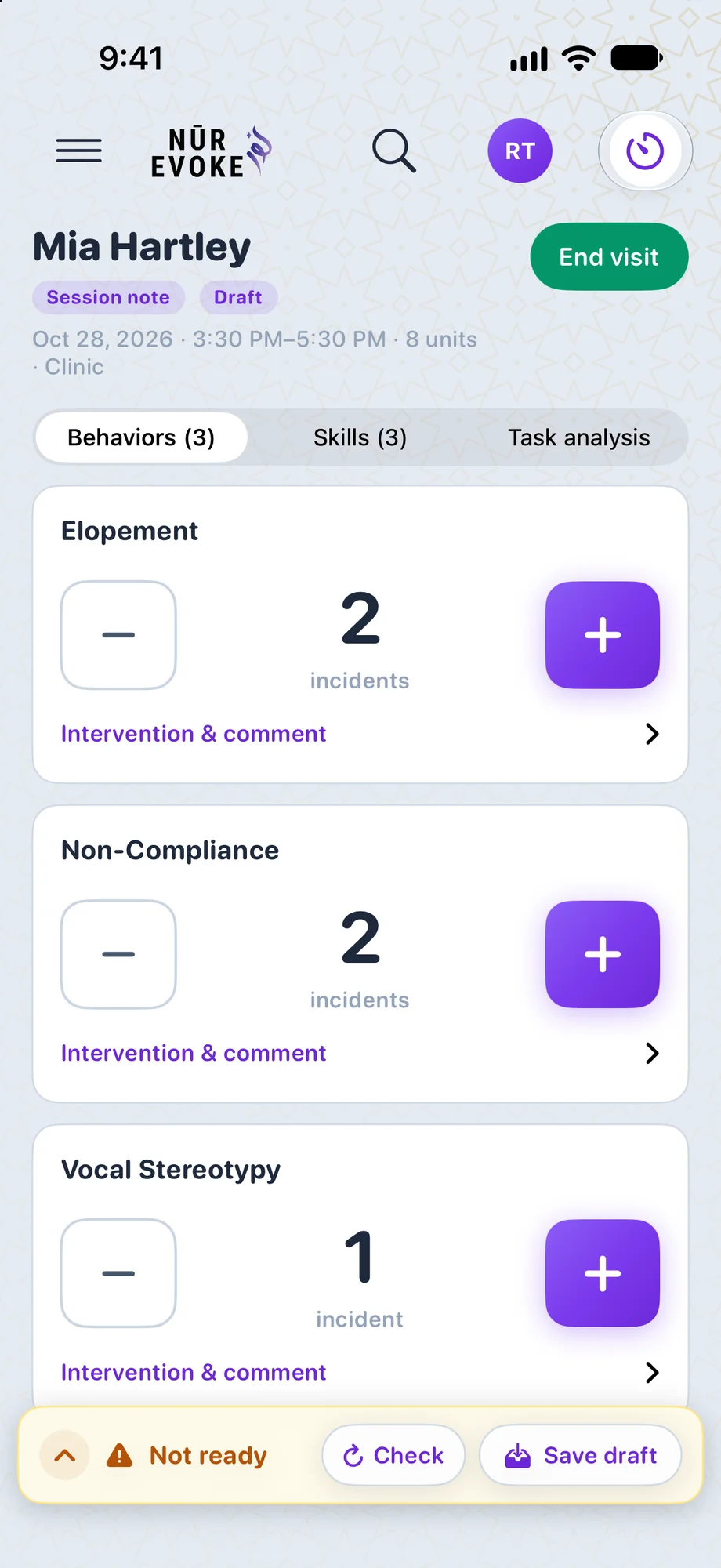
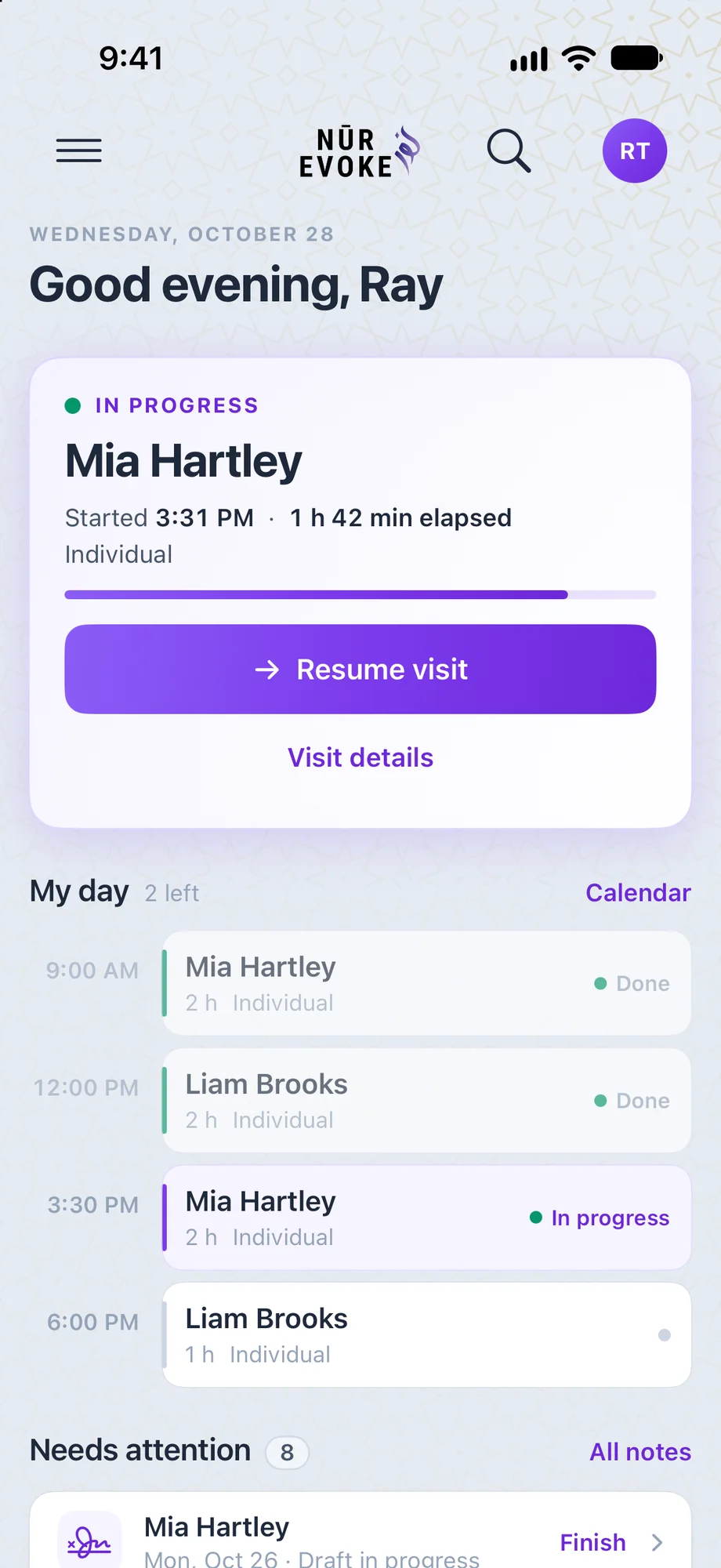
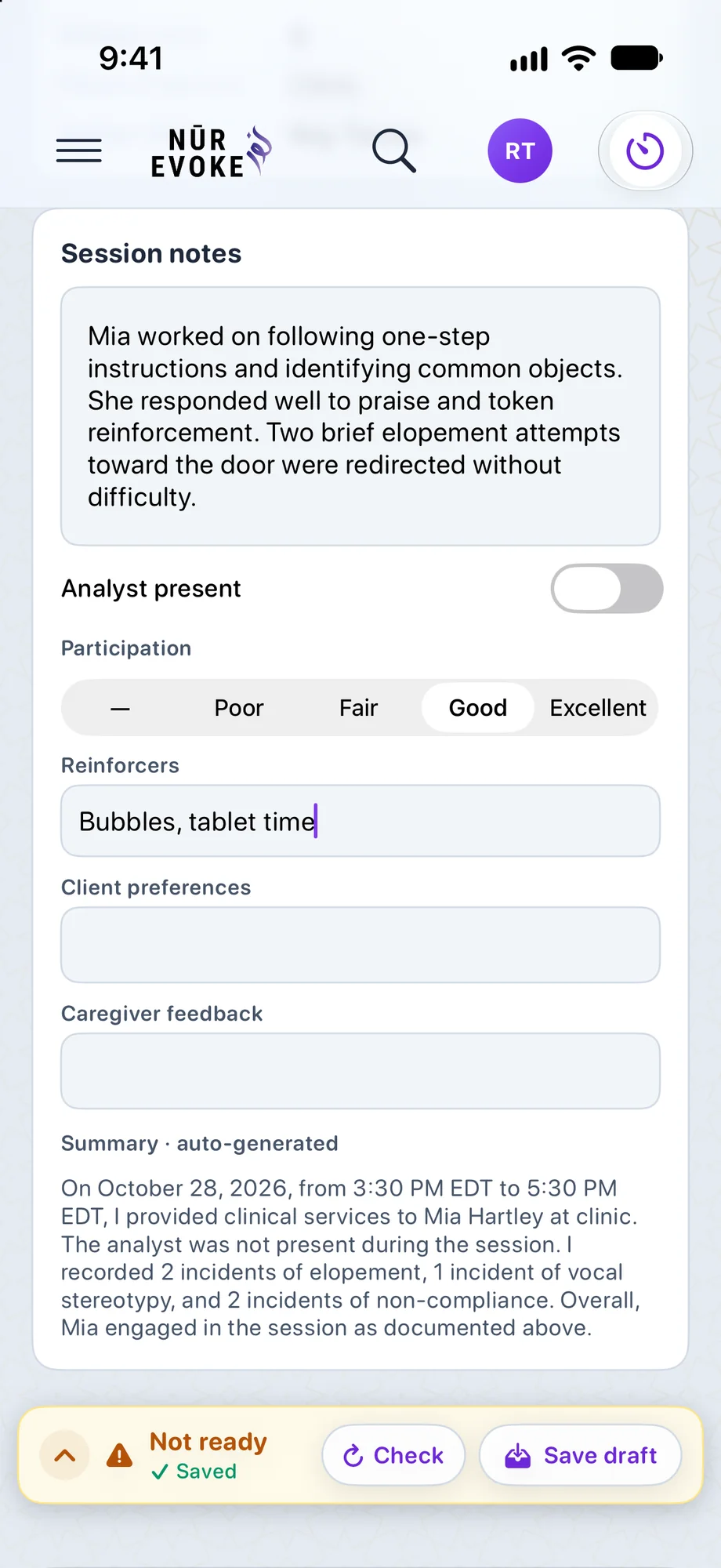
Nūr Evoke on iPhone
Take data in session, check the day’s visits and finish your notes from your pocket.
- See the day’s visits and open a client in one tap
- Collect data against every target as the session happens
- Write, sign and send session notes for review
- Sign in with a passkey or your Nūr Evoke account
How to install: Install the Nūr Evoke app from the App Store on any iPhone running iOS 18 or later.
Nūr Evoke on iPhone Duo
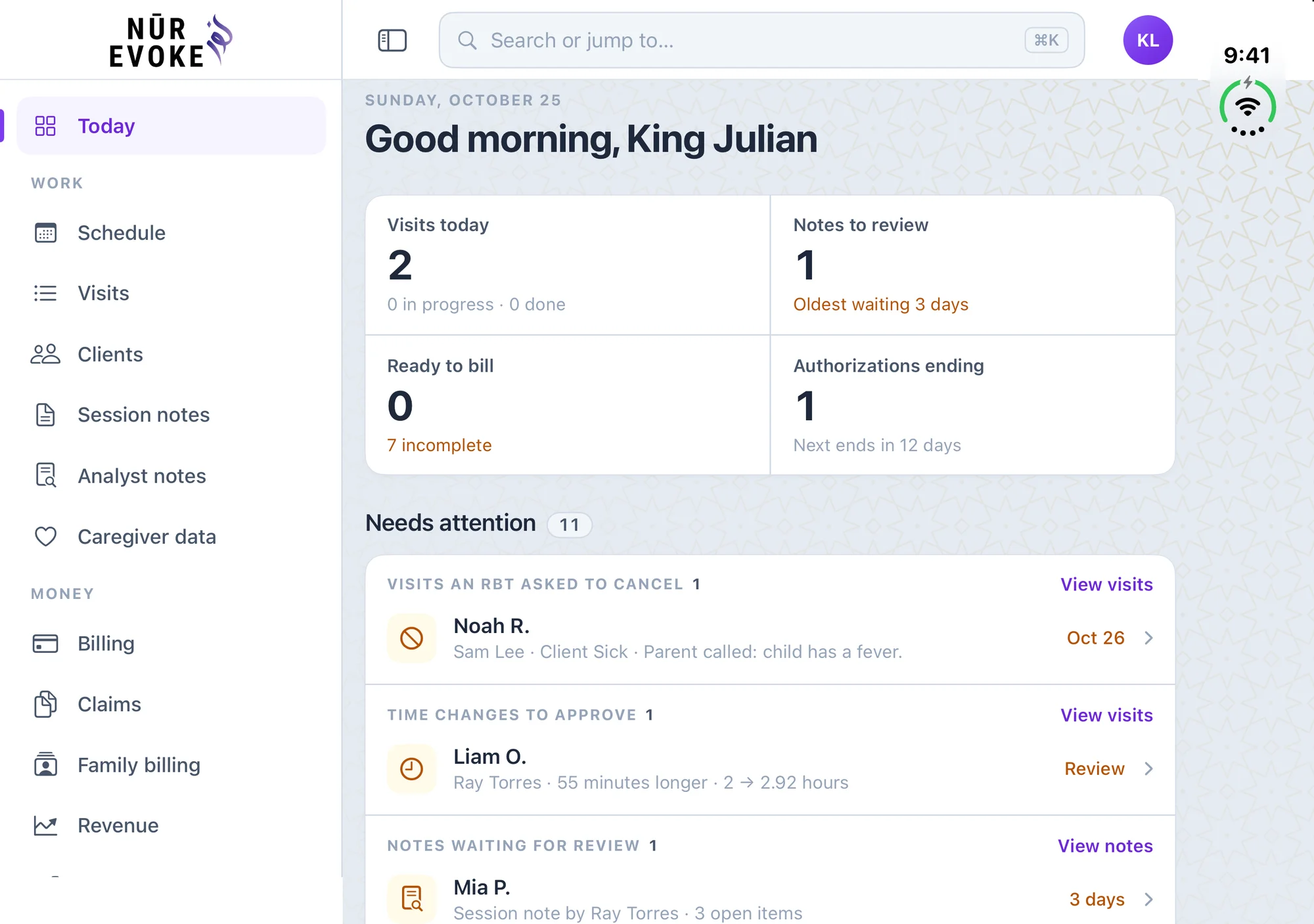
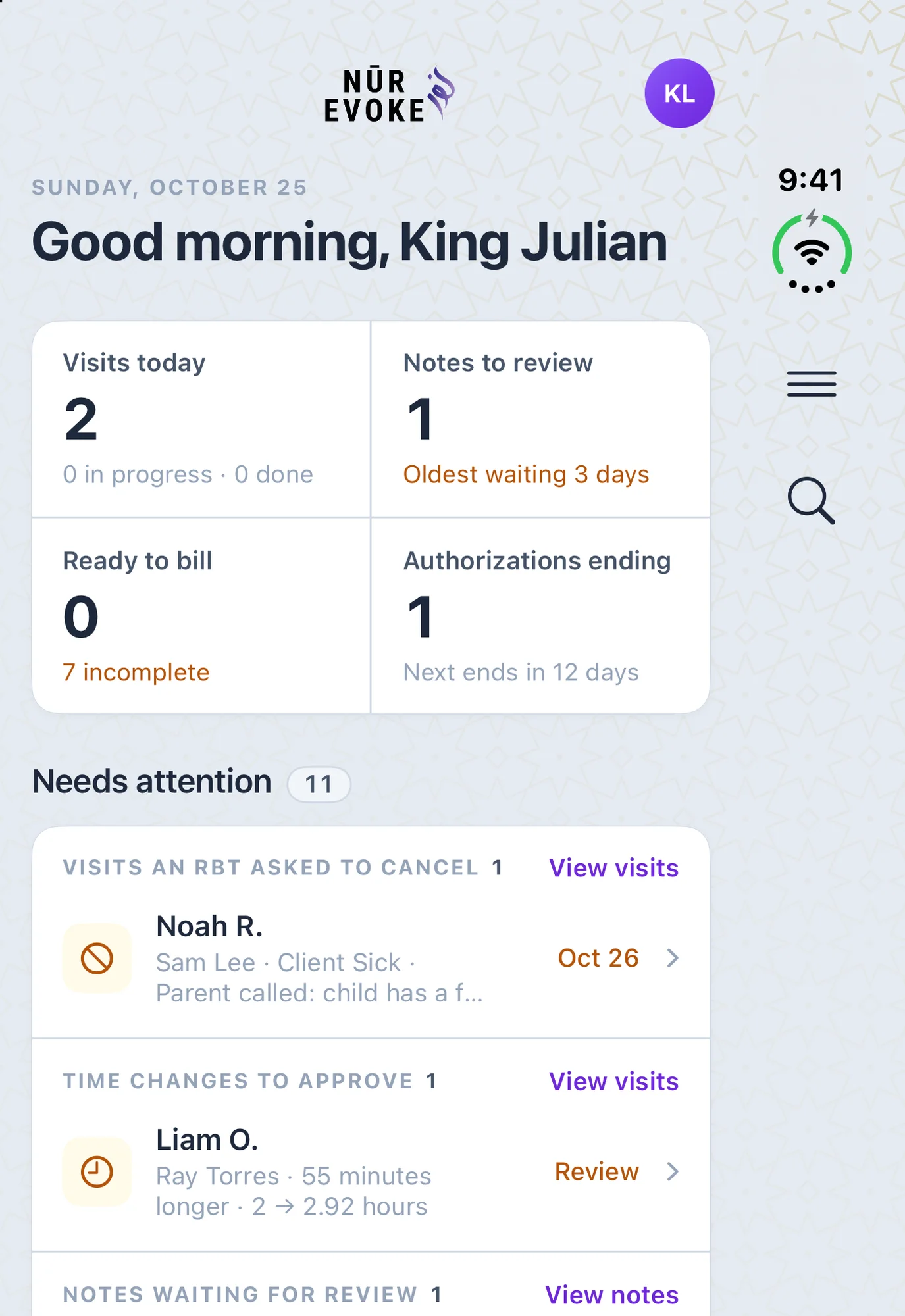
The app has a layout for each of the Duo’s two displays: a compact one on the cover display when the phone is closed, and the wide one with a sidebar menu on the inner display when it is open.
- Closed: a compact layout, with the menu and search in the side column beside the screen
- Open: the wide layout with the sidebar menu, like on iPad
- The same account and records as every other device
- Collect data, see the schedule, finish notes and send claims on either display
How to install: Install the Nūr Evoke app from the App Store on iPhone Duo. The iPhone app is the same one.
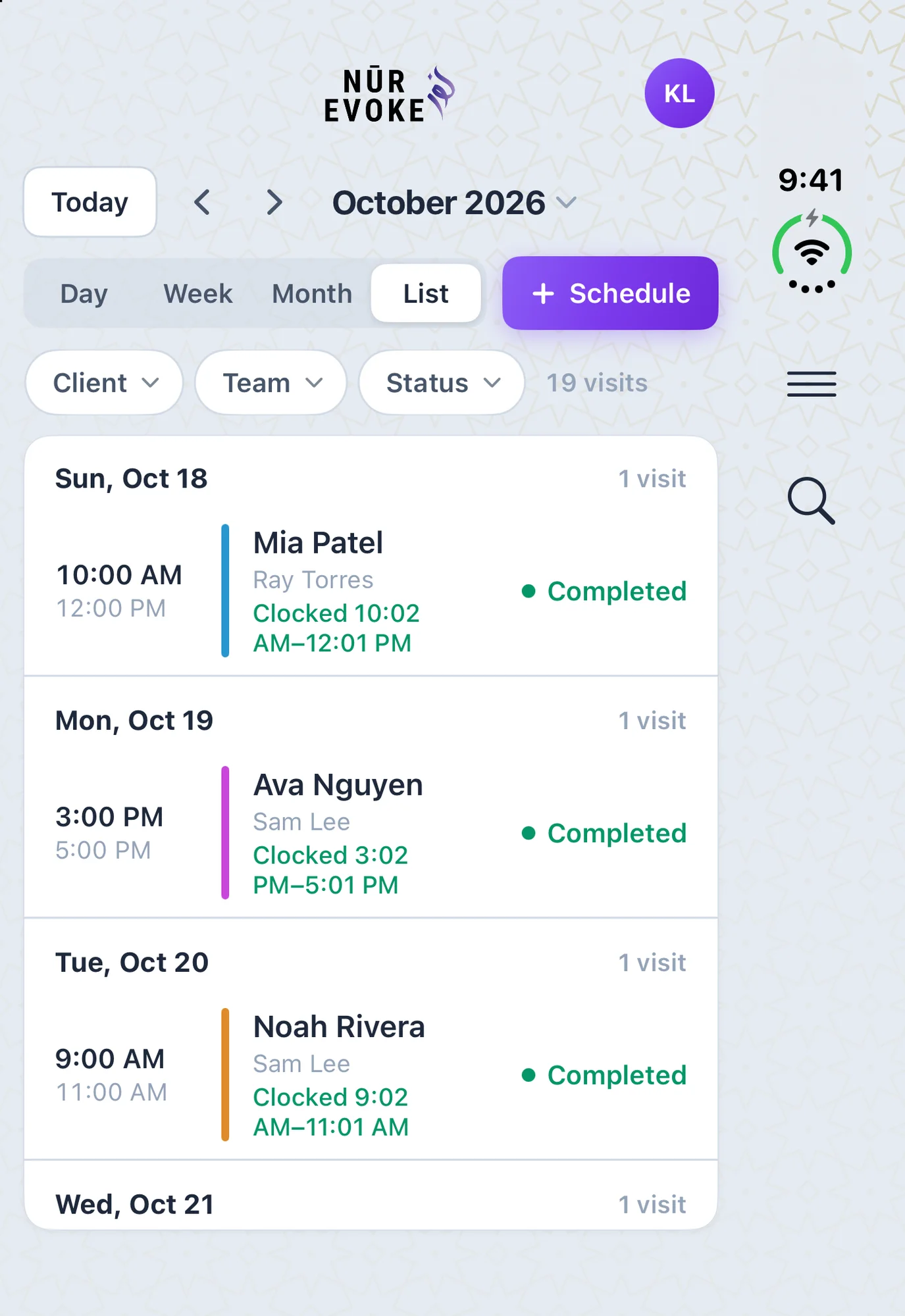
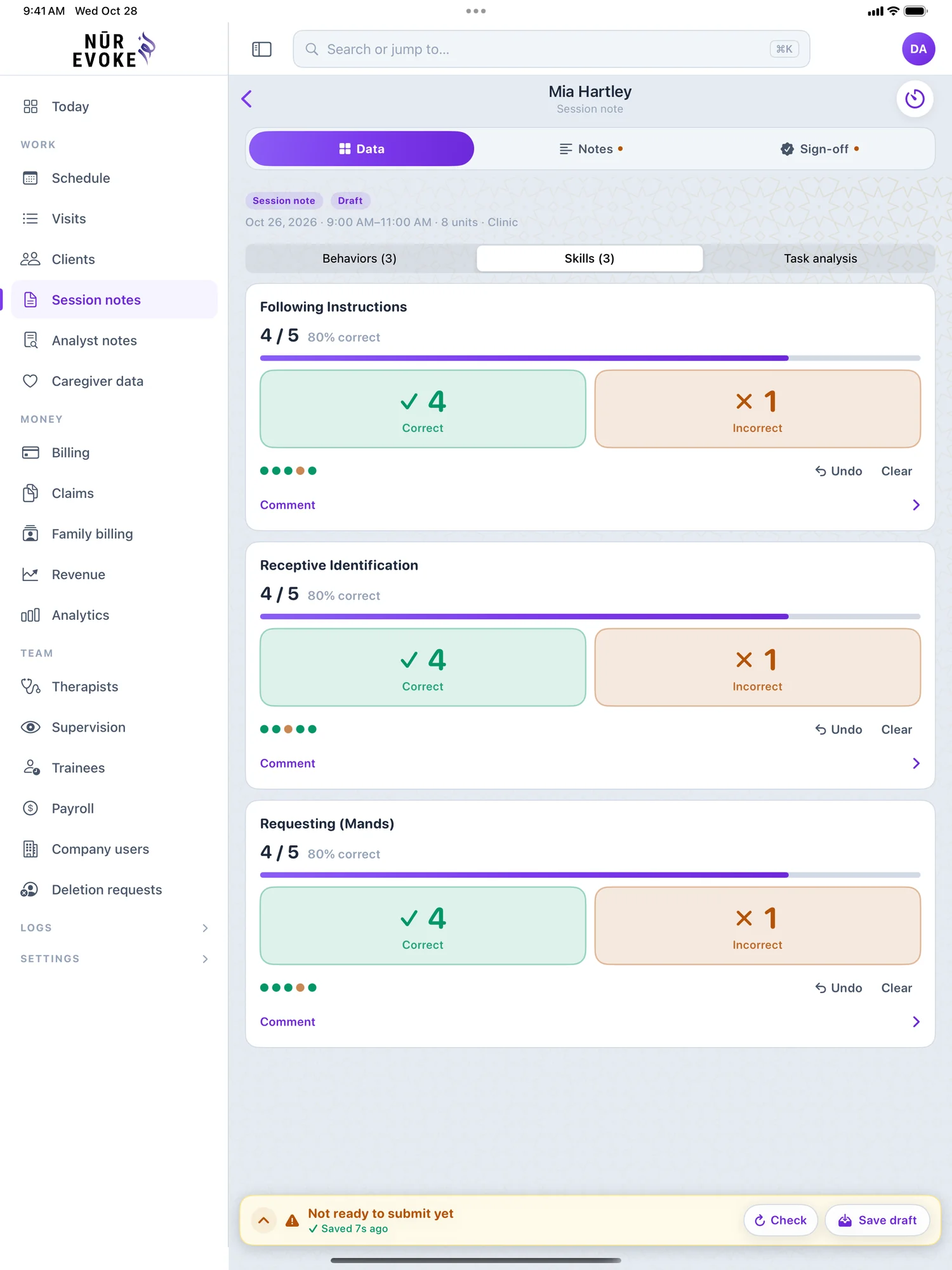
Nūr Evoke on iPad
More room for the clinic and the office, with a sidebar menu and a layout made for the larger screen.
- Everything on the iPhone, in a wide layout with a sidebar menu
- Bigger targets for taking data with a finger or a stylus
- Billing and claims for the office team
- Staff, payroll hours and settings for admins
How to install: The iPhone app is also an iPad app: install Nūr Evoke from the App Store on any iPad running iPadOS 18 or later.
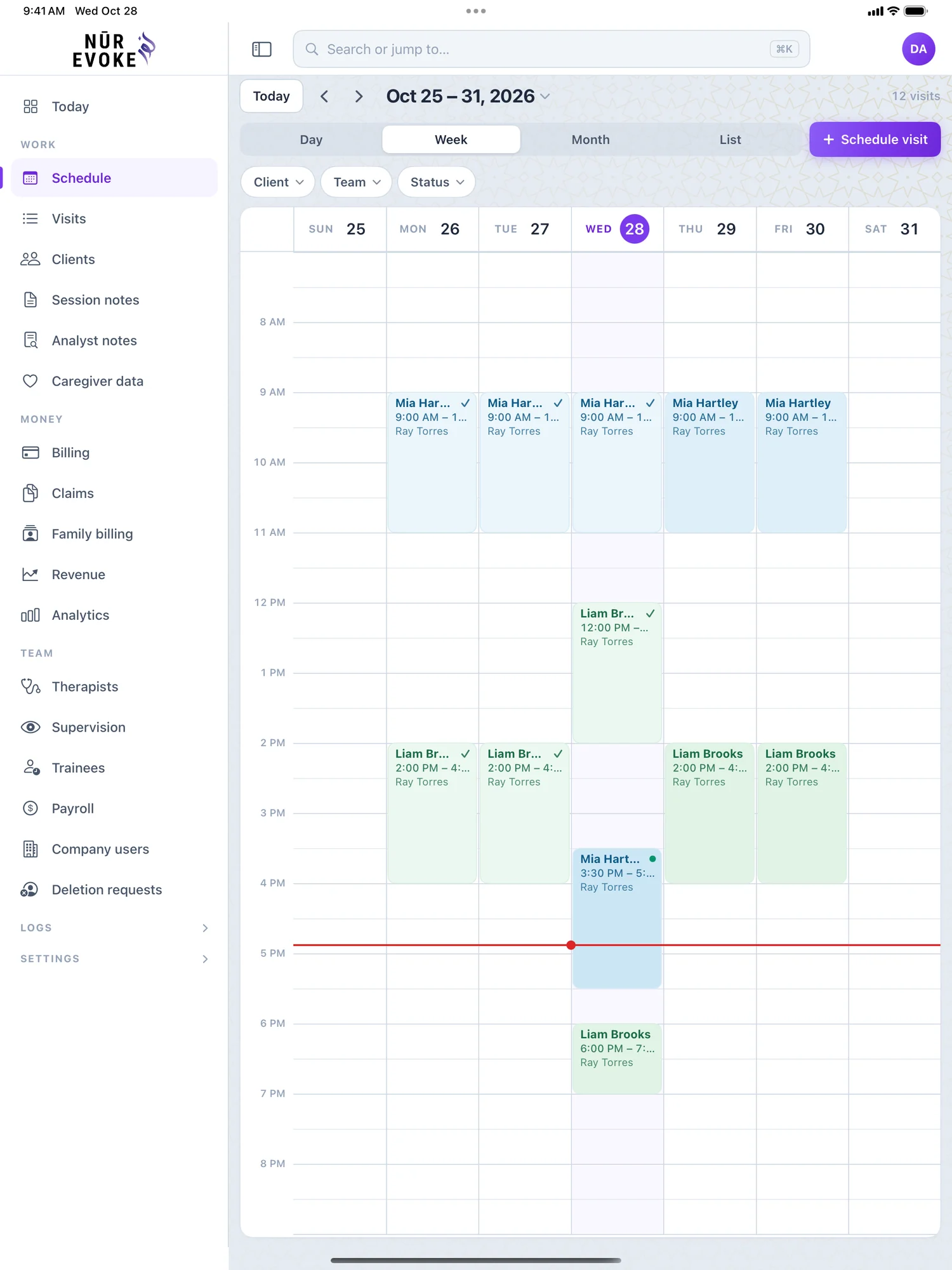
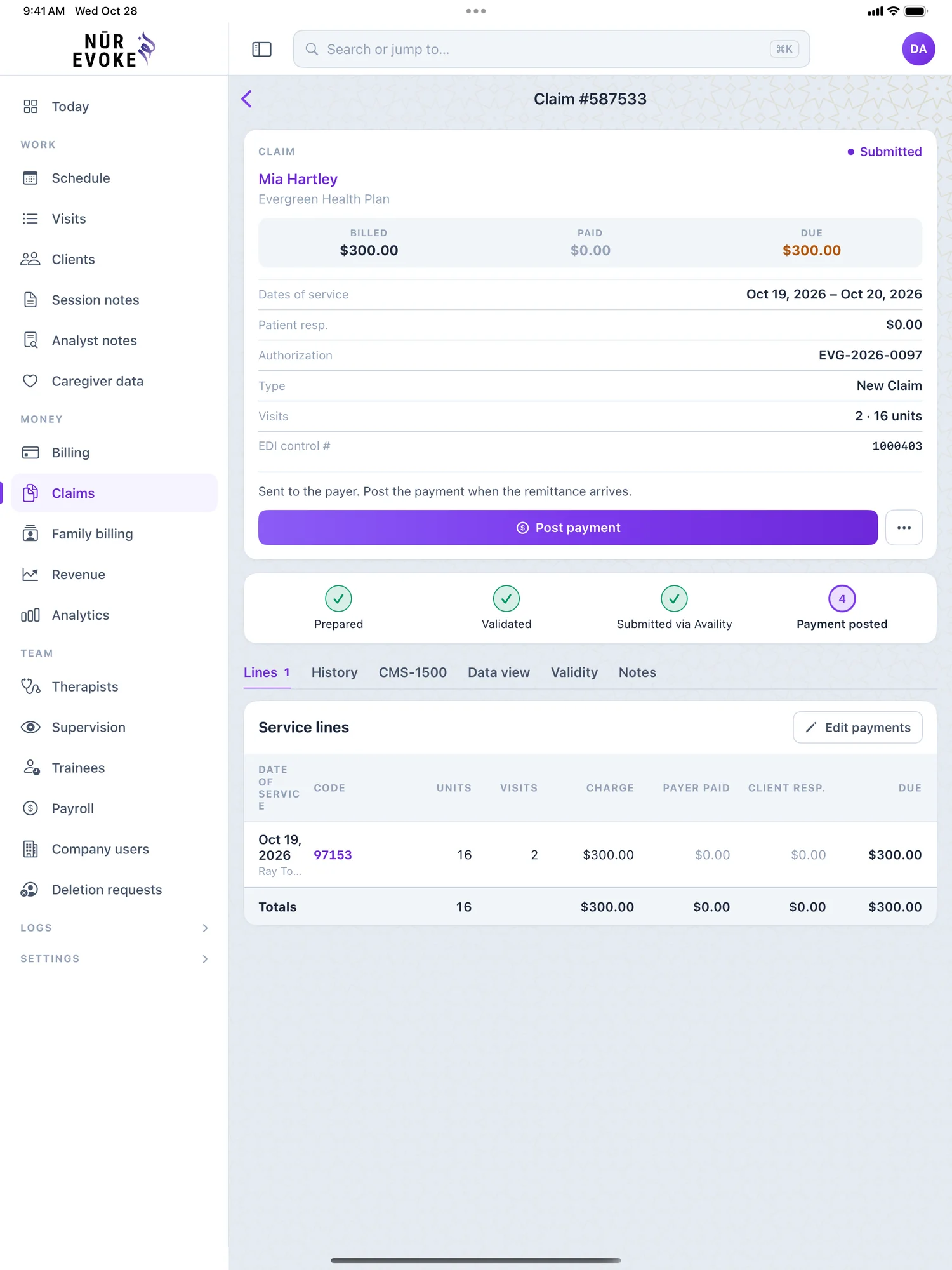
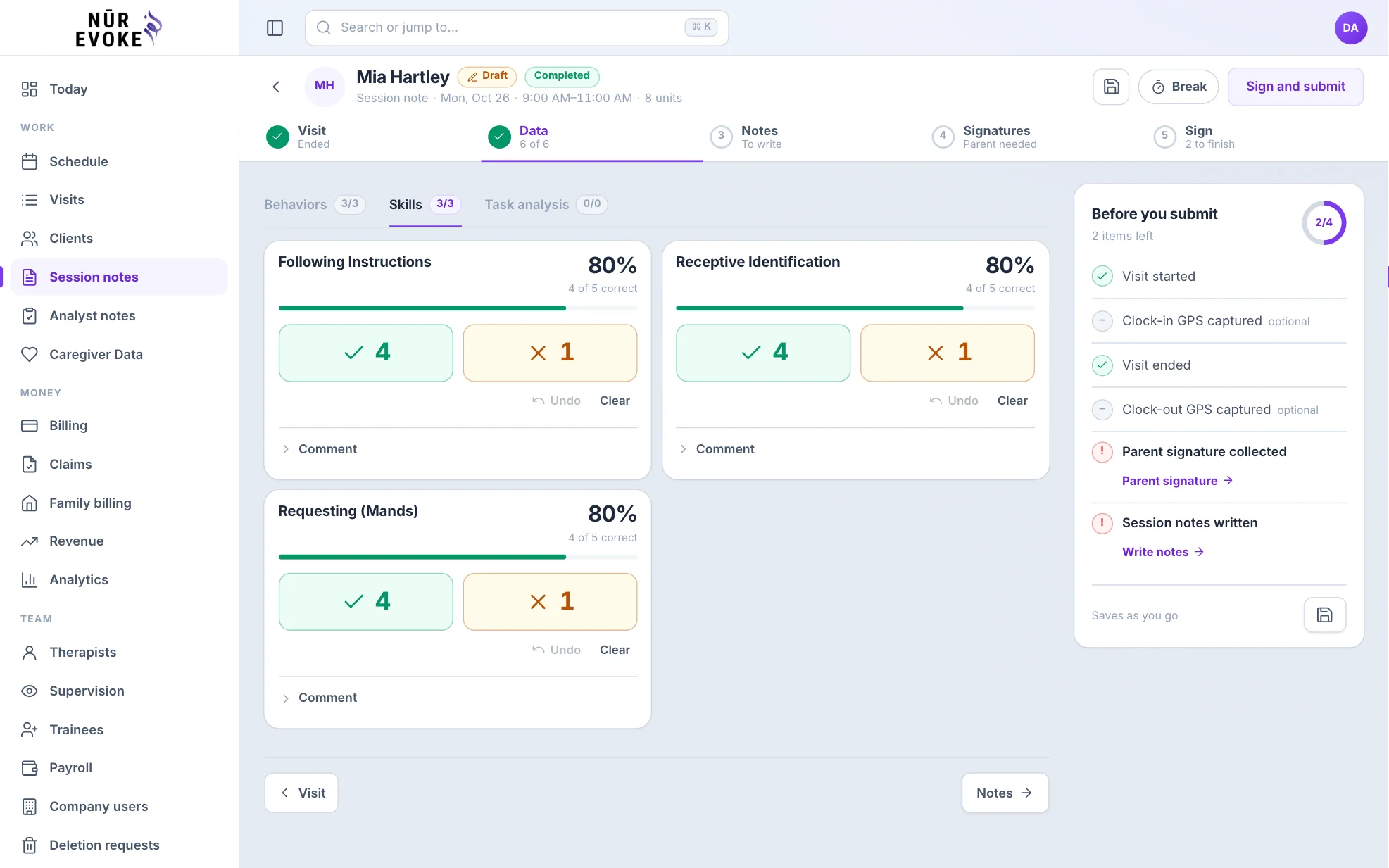
Nūr Evoke on Mac
On a Mac with Apple silicon the iPad app runs in its own window, with the same account and the same records. Prefer a browser? The web app works in Safari, Chrome and any modern browser.
- Runs in its own window on a Mac with Apple silicon
- The same account and data as the web app and the other apps
- Or open app.nurevoke.com in Safari, Chrome or any modern browser
How to install: On a Mac with Apple silicon, find Nūr Evoke in the App Store and choose the iPhone and iPad apps tab to install it.
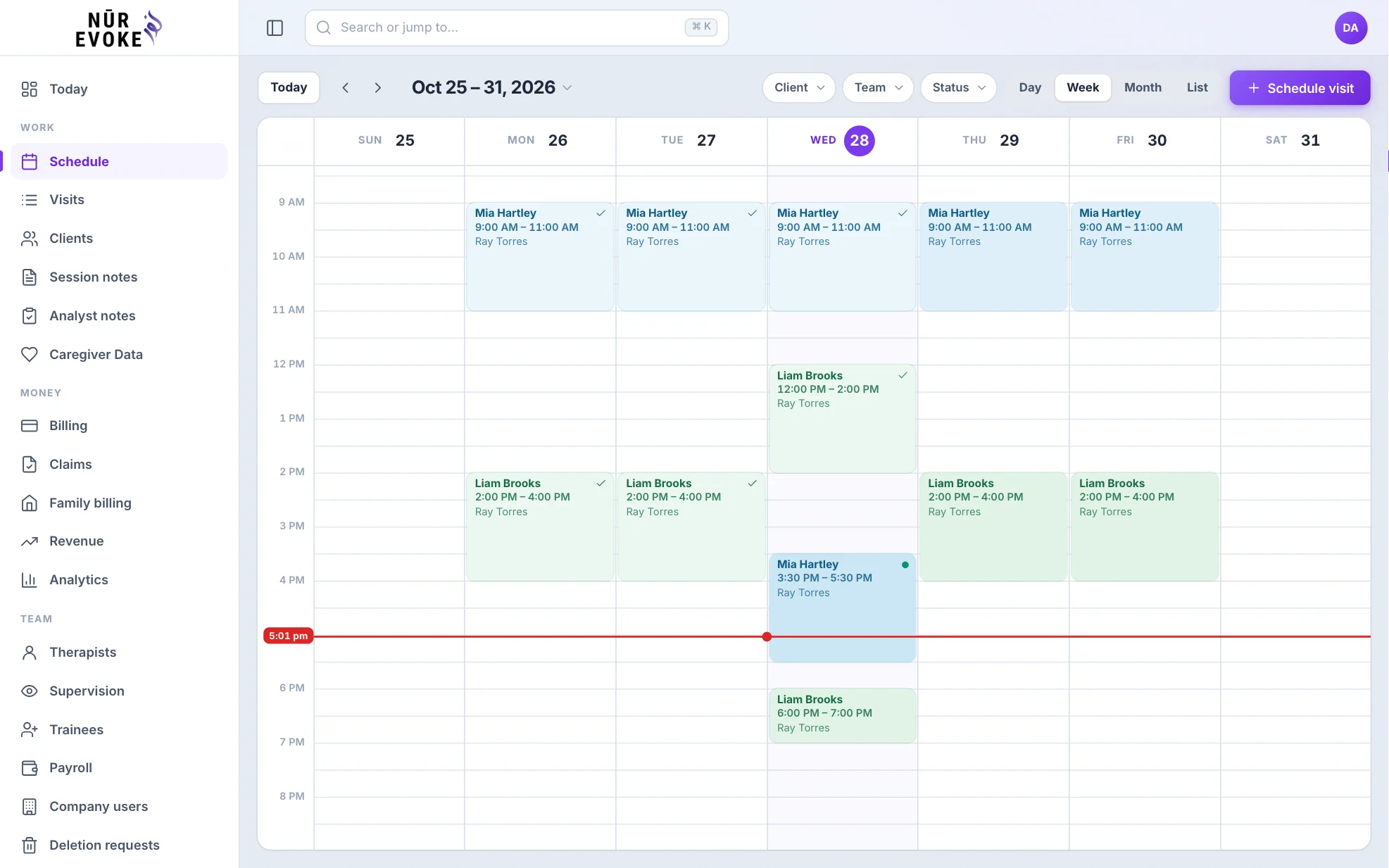
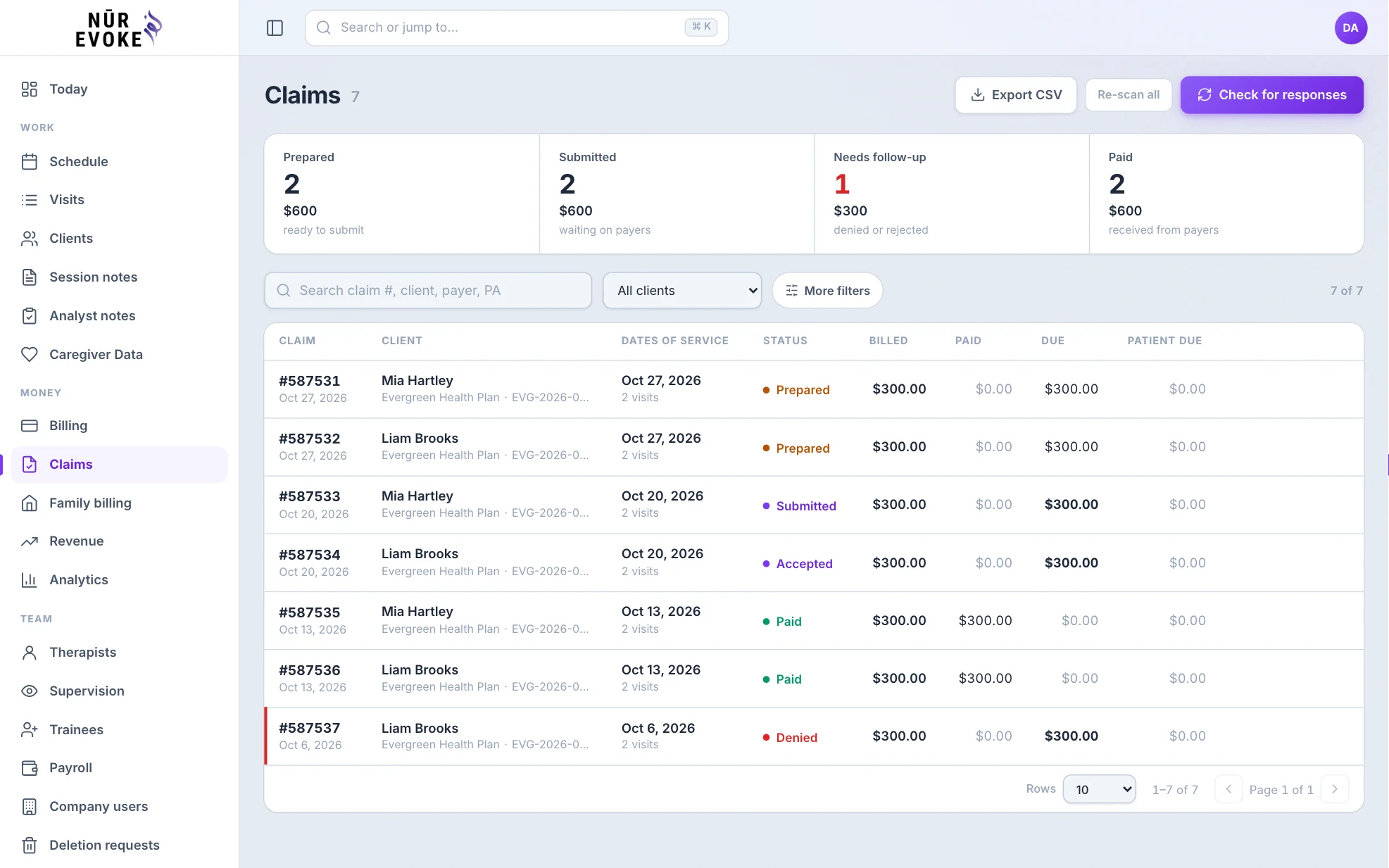
Nūr Evoke on Android phones
The same day-to-day tools on the phone you carry: the schedule, session data and notes.
- See the day’s visits and open a client in one tap
- Collect data against every target as the session happens
- Write, sign and send session notes for review
- The same account and records as the web app
How to install: Install the Nūr Evoke app from Google Play on any Android phone running Android 8 or later.
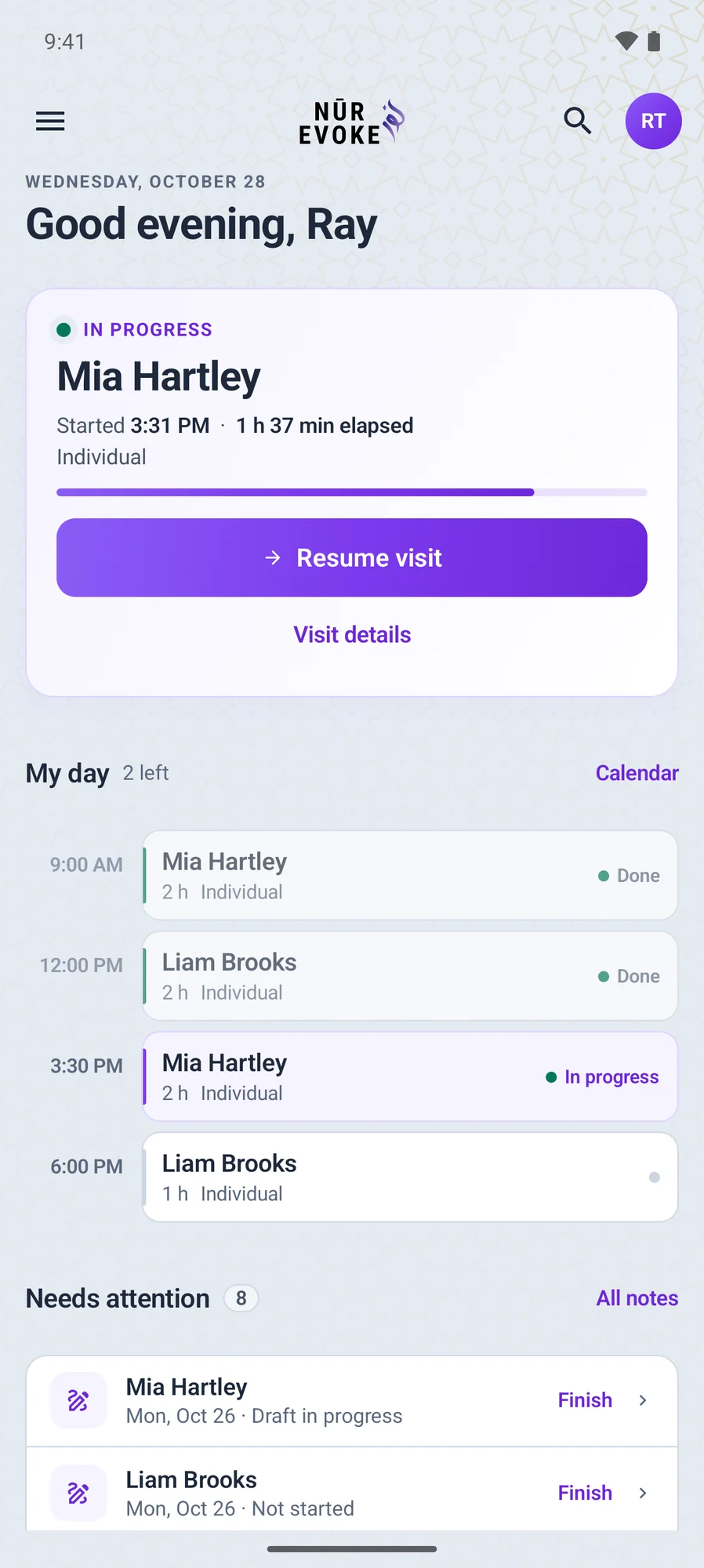
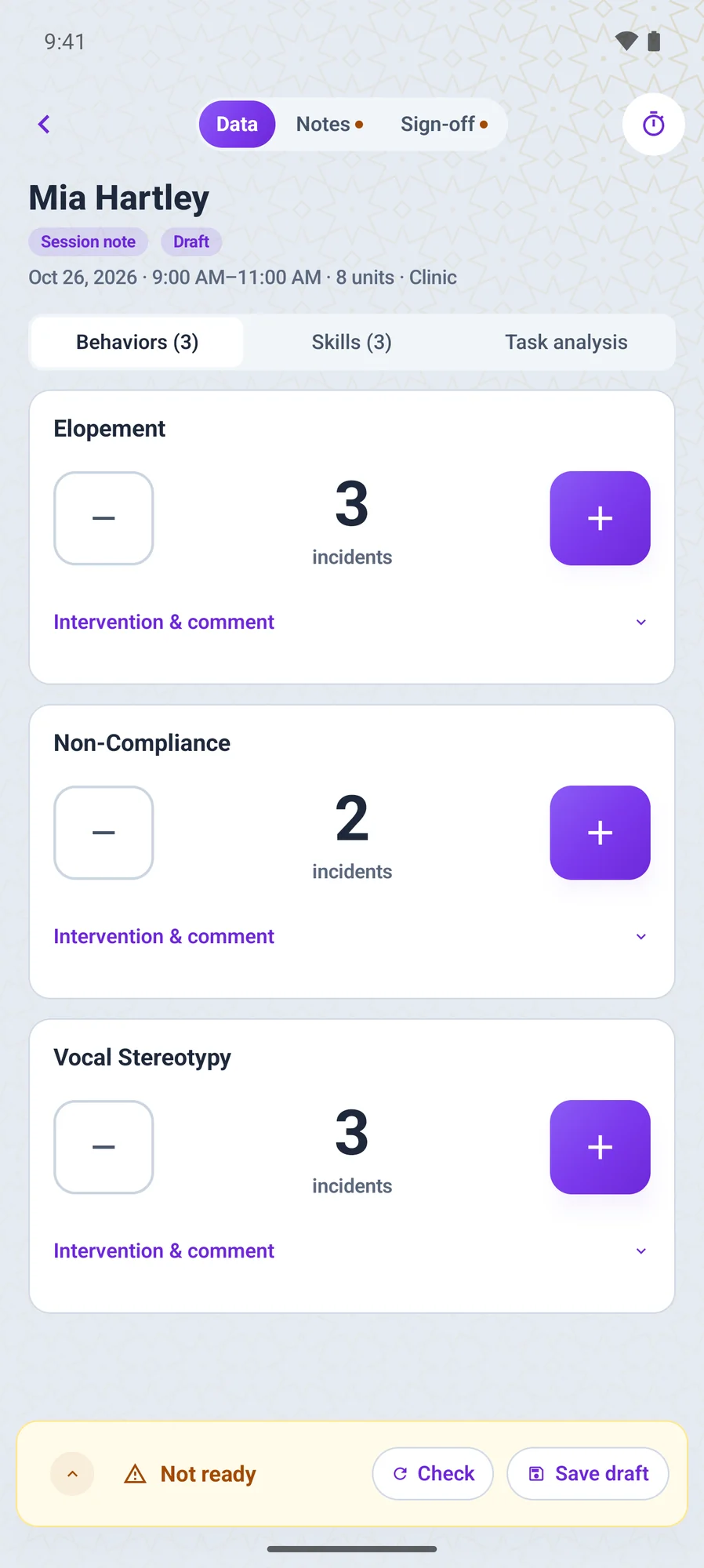
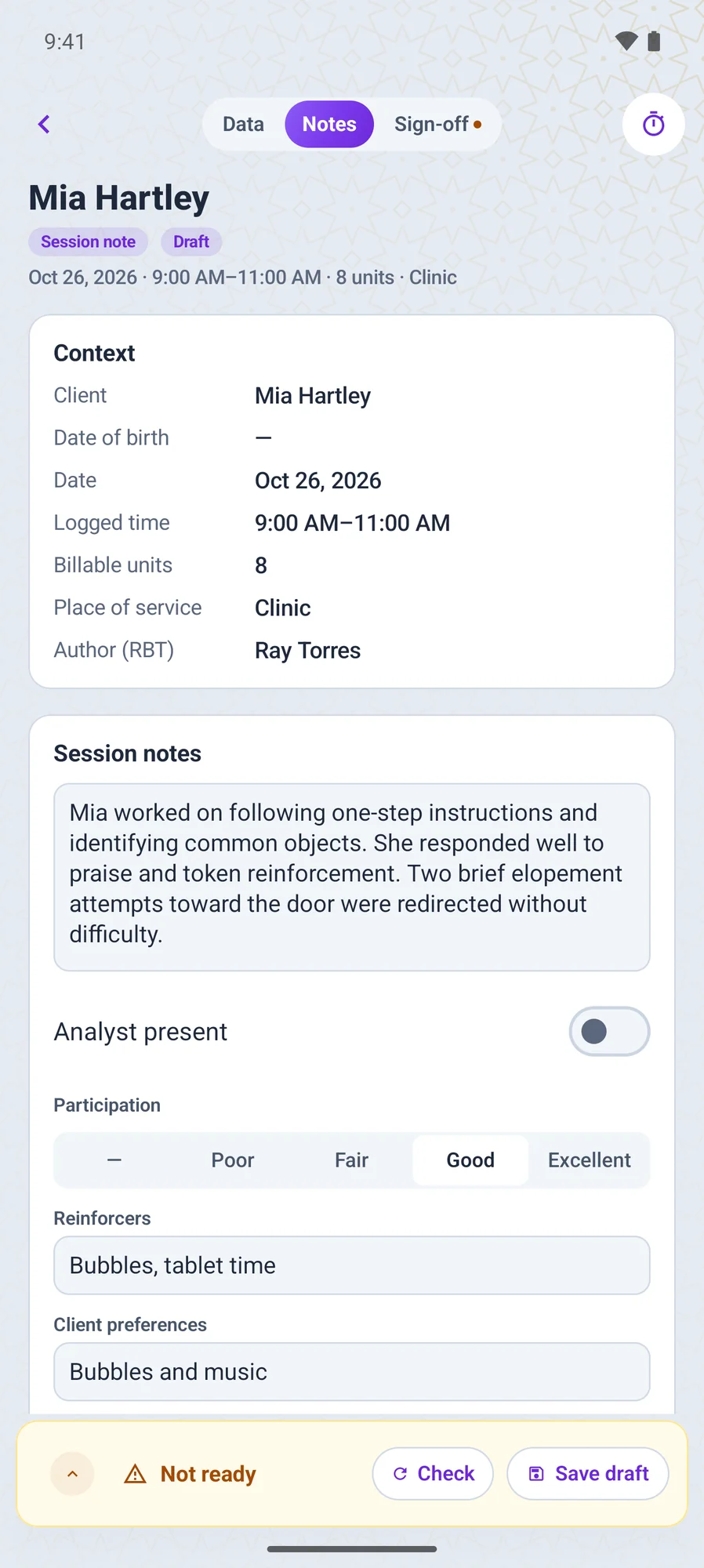
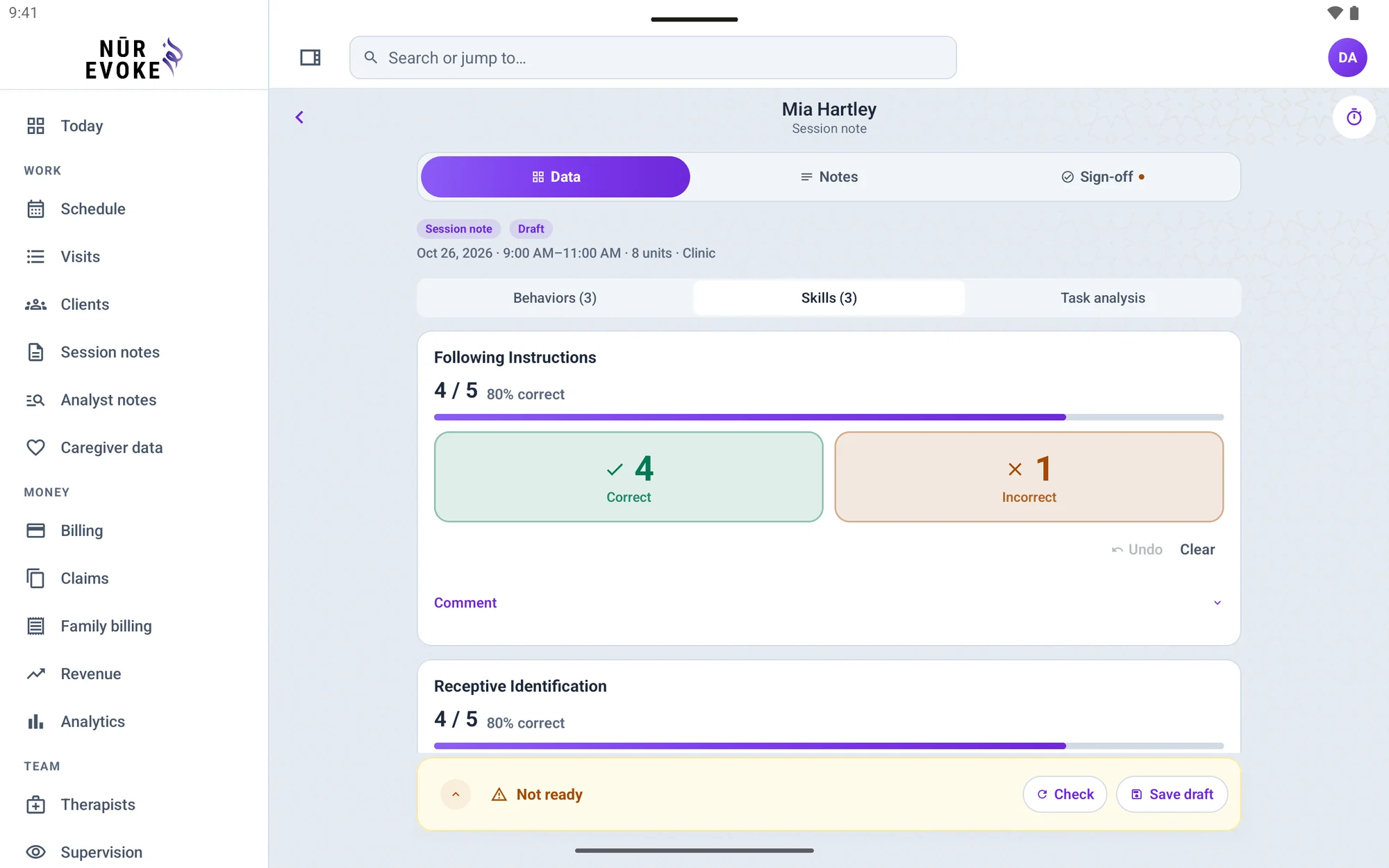
Nūr Evoke on Android foldables
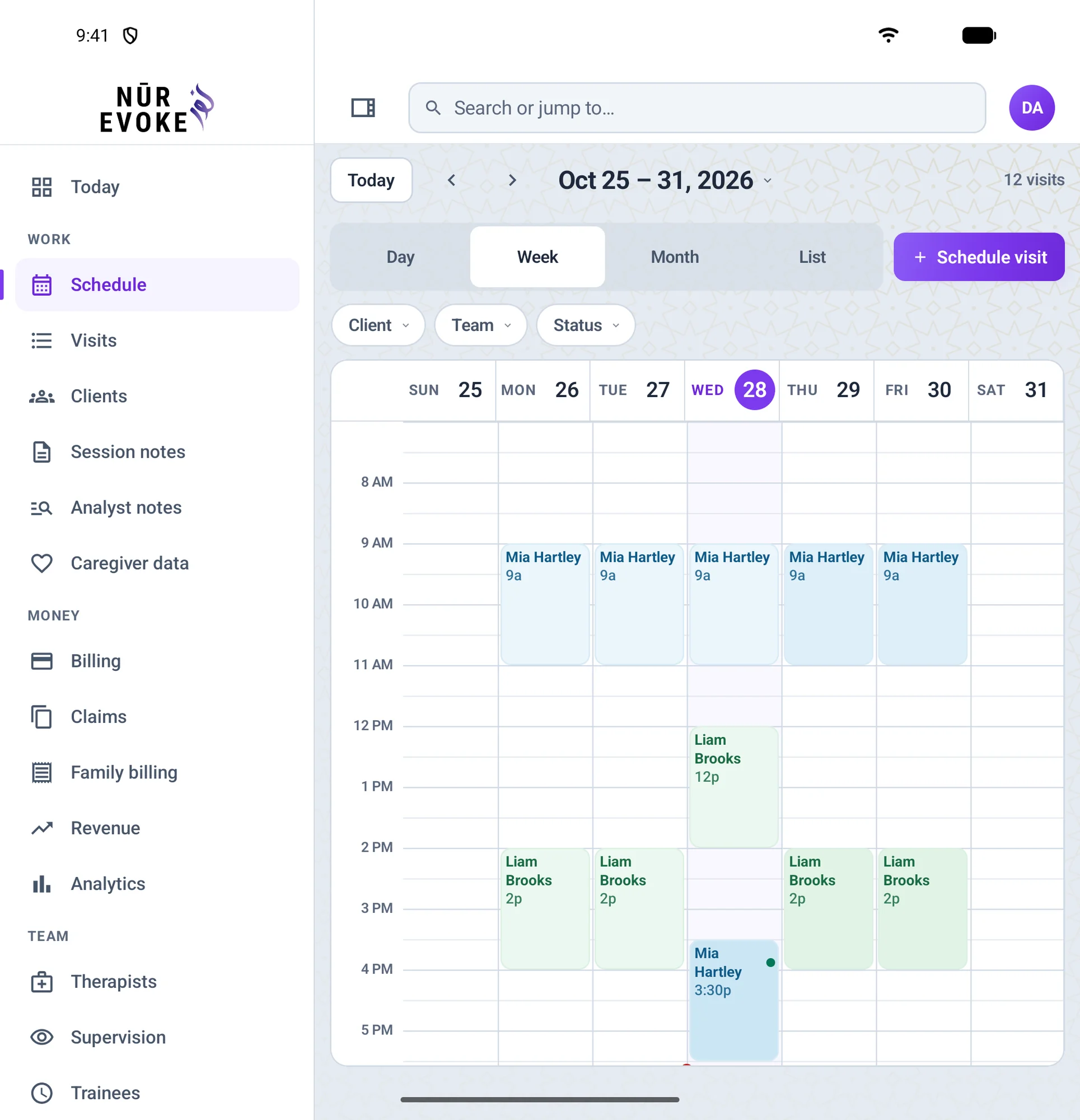
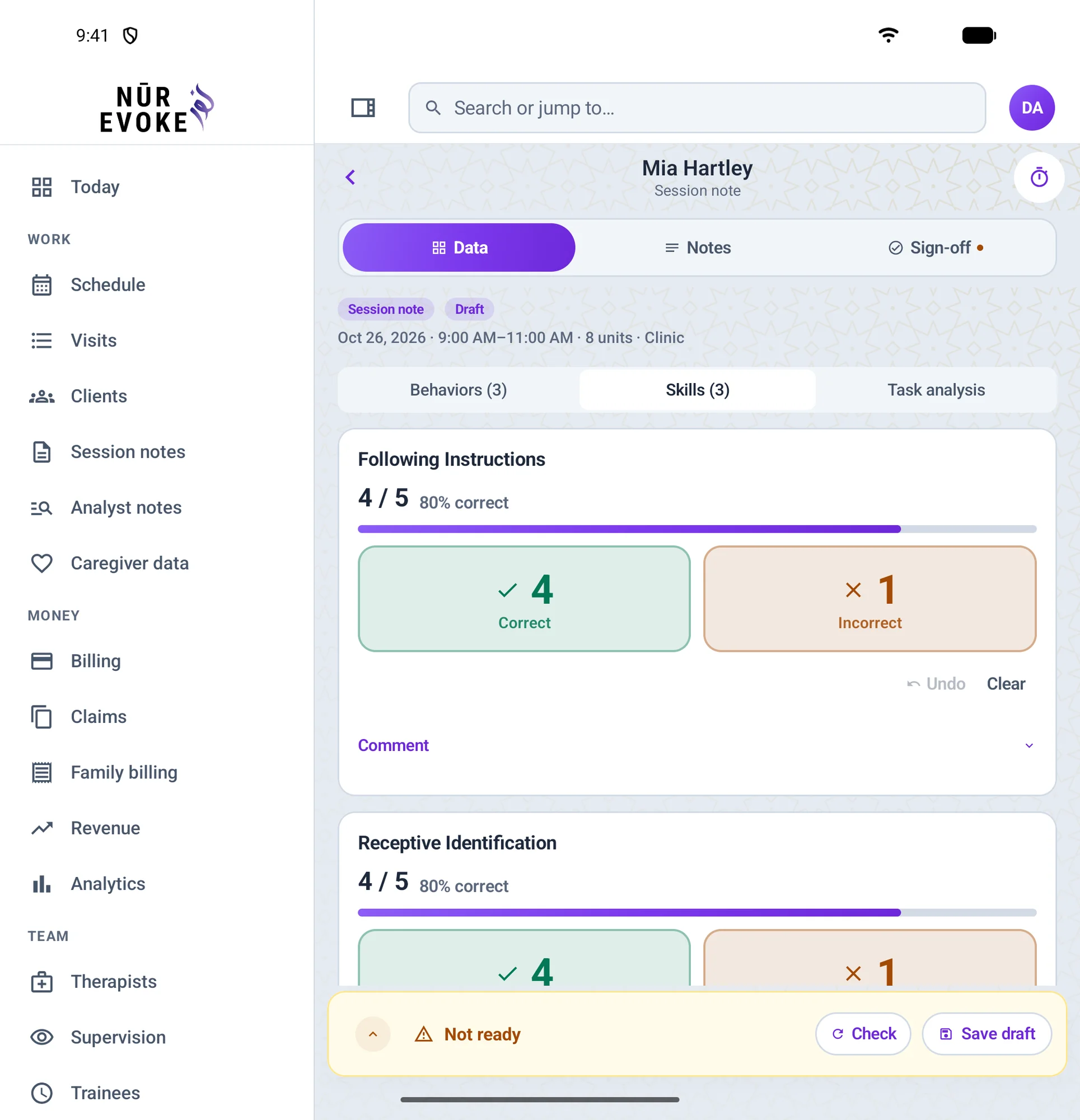
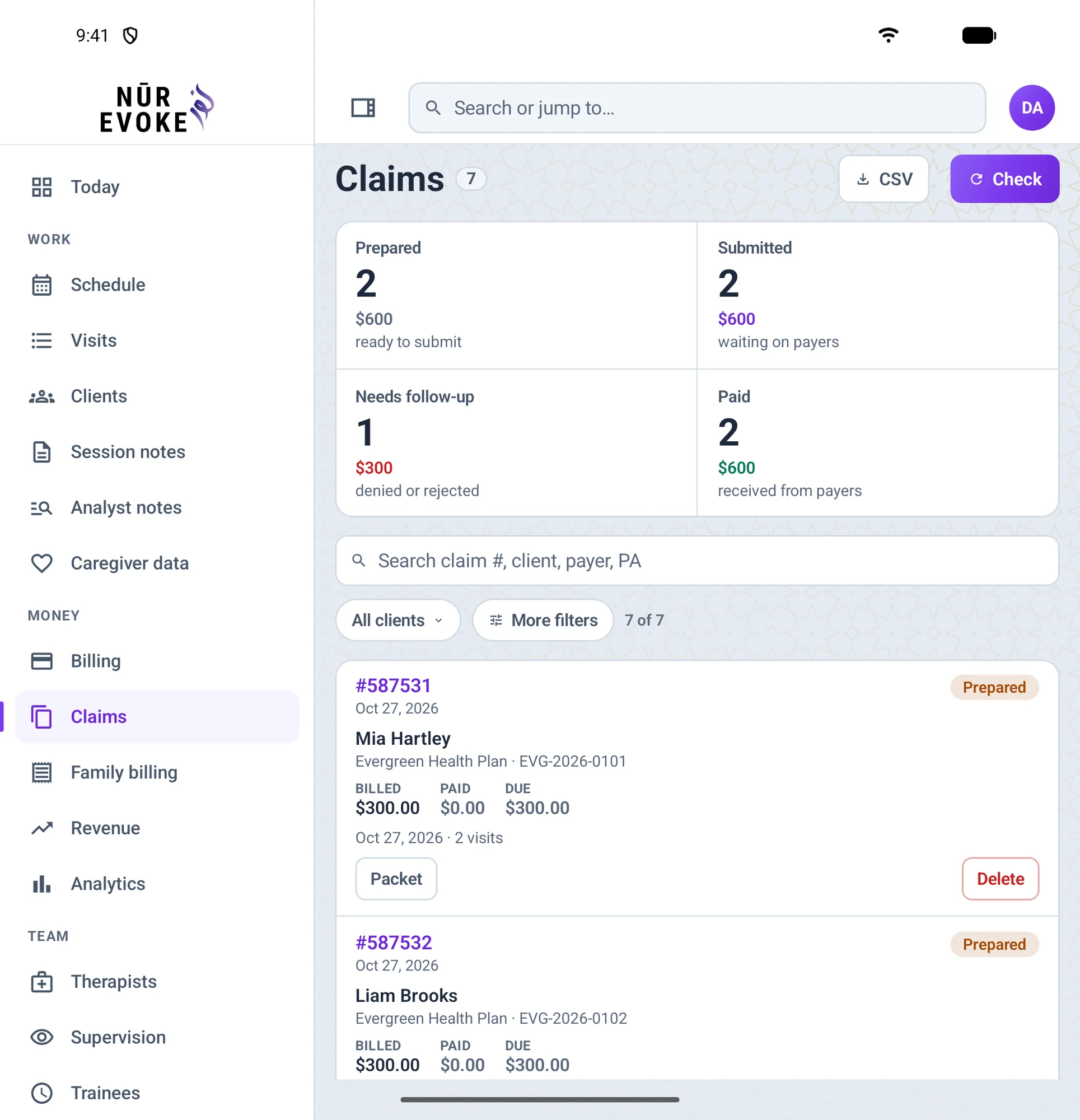
Unfold the phone and the app switches to the wide layout with a sidebar menu on the larger inner screen. These pictures show it unfolded.
- Unfolded, the wide layout with the sidebar menu, like on a tablet
- The same account and records as every other device
- Collect data, see the schedule and finish notes on the larger screen
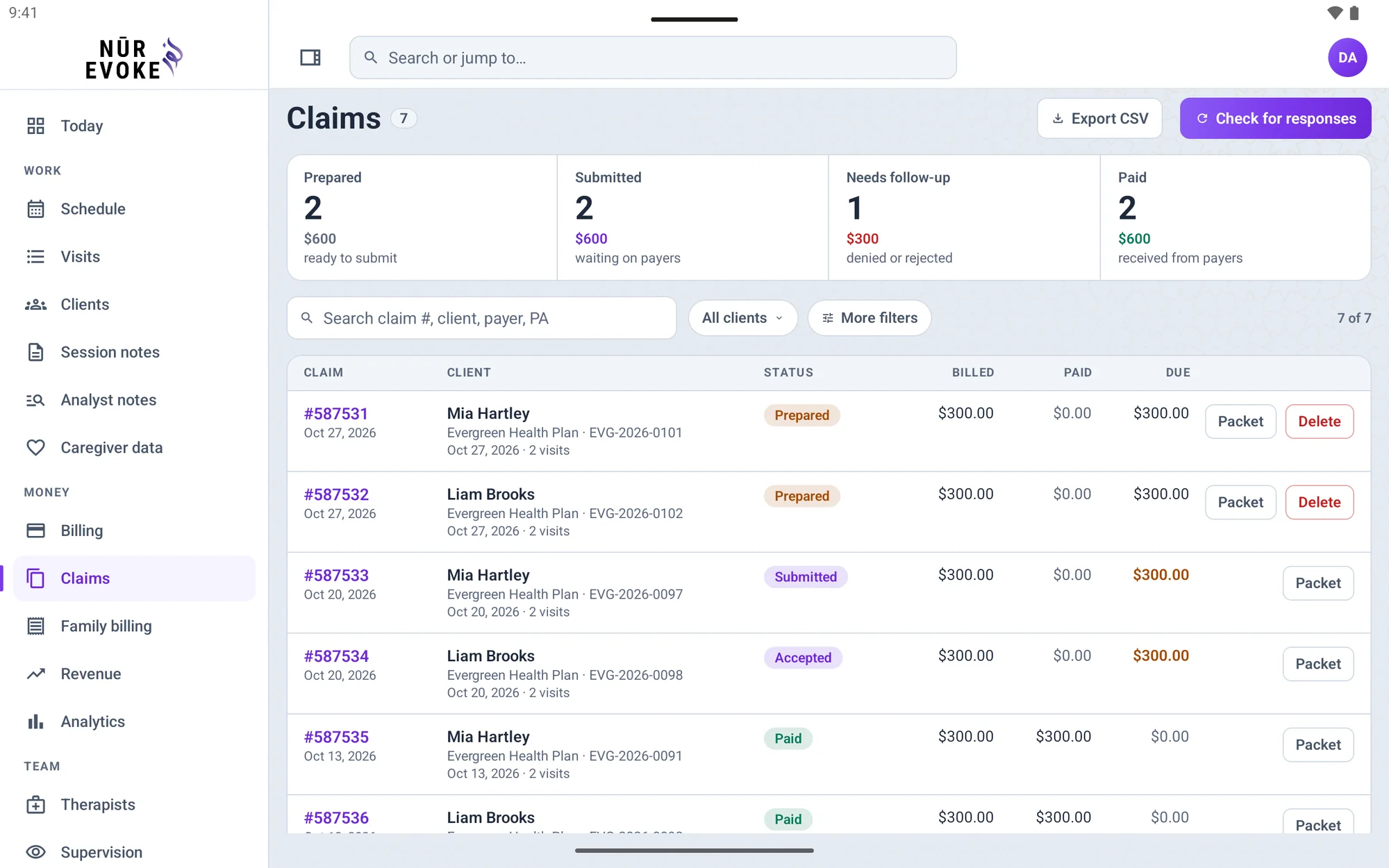
- Billing and claims for the office team
How to install: Install the Nūr Evoke app from Google Play on a foldable Android phone running Android 8 or later, such as a Pixel Fold or a Galaxy Z Fold.
Nūr Evoke on Android tablets
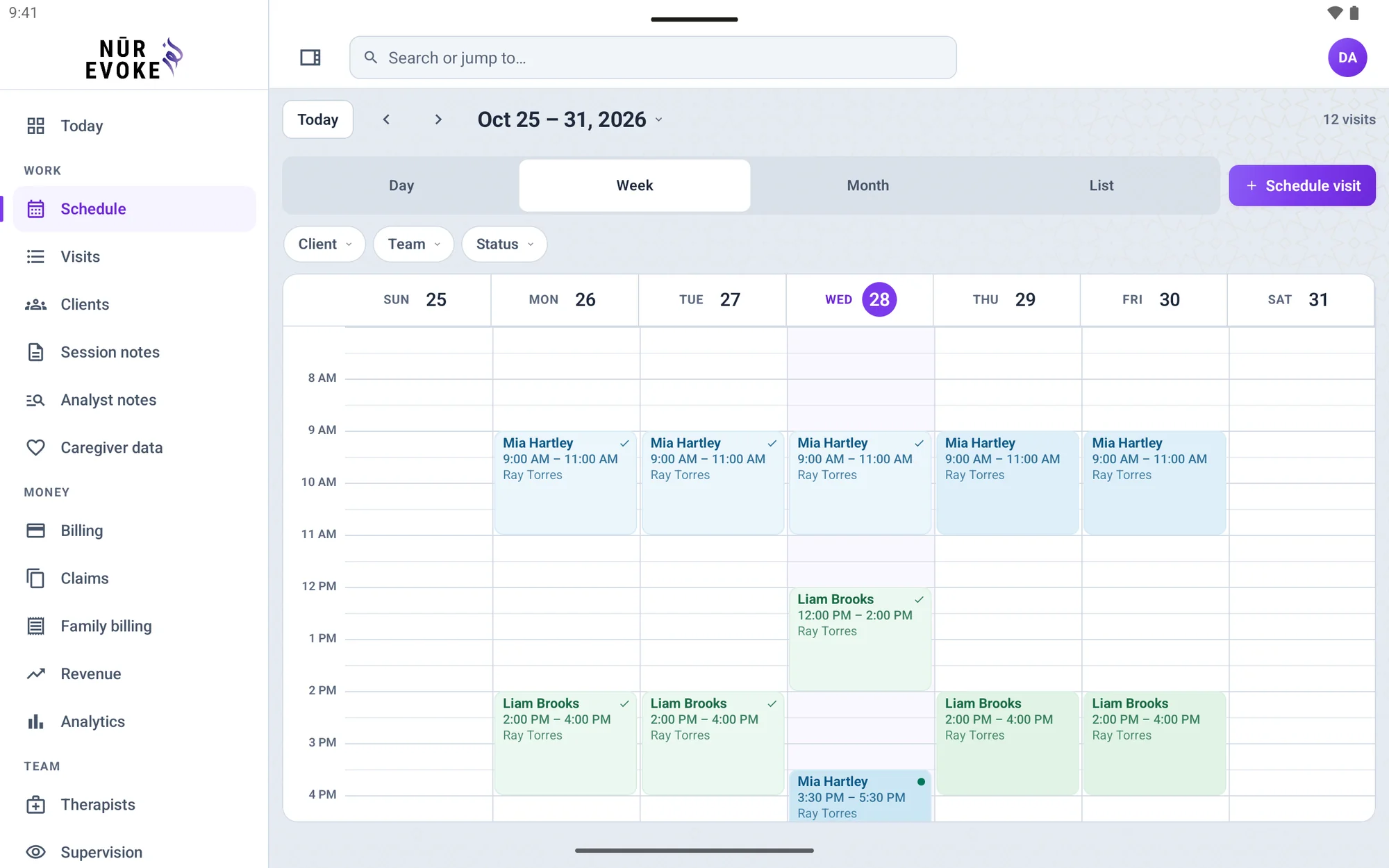
A wide layout for the clinic and the office, with the schedule, data collection and claims on a bigger screen.
- Everything on the phone, in a wide layout with a sidebar menu
- Bigger targets for taking data with a finger or a stylus
- Billing and claims for the office team
How to install: The Android app is also a tablet app: install Nūr Evoke from Google Play on any Android tablet running Android 8 or later.
Frequently asked questions
Is there a Nūr Evoke app for iPhone?
Yes. The iPhone app lets you see the day’s visits, collect session data against every target and write, sign and send session notes. It uses the same account and records as the web app.
Can I use Nūr Evoke on an iPad?
Yes. The iPhone app is also an iPad app, with a wide layout and a sidebar menu, so the clinic and the office get more room for data collection, billing and claims.
Does Nūr Evoke run on a Mac?
Yes. On a Mac with Apple silicon you can install the iPad app from the App Store and it runs in its own window. You can also open the web app at app.nurevoke.com in Safari, Chrome or any modern browser.
Does Nūr Evoke work on iPhone Duo?
Yes. The iPhone app has a compact layout for the cover display when the phone is closed, and the wide layout with a sidebar menu on the inner display when it is open.
Is there an Android app for phones, tablets and foldables?
Yes. The Android app runs on Android phones, Android tablets and foldable Android phones running Android 8 or later, with a wide layout on larger screens.
Do I need a separate account for the apps?
No. You sign in with the same account you use on the web, and everyone on the team sees the same records, whichever device they use.
Is client information safe on a phone or tablet?
The apps use the same secure sign-in and the same audit log as the web app, so every access to a client record is recorded.
Can parents and caregivers use Nūr Evoke too?
Yes. Parents and caregivers have a portal where they see sessions, sign notes, answer caregiver data requests and questionnaires and see invoices. They open it in a browser at app.nurevoke.com.
Can I try Nūr Evoke before I decide?
Yes. Request a demo and we will walk you through the web app and the mobile apps with your own practice in mind.
More from Nūr Evoke
See it on your own devices
Request a demo and we will show you the web app and the mobile apps.